Add-on for your staff
Hand off the lesson. Approve it before athletes see it.
Write a brief, pick someone on your staff and set a due date. They build the Snack and send it back, and you approve it or ask for changes.
Free for every Snack team.
Tasks
5 tasks- Cover 3 install: rotation and fitsDue TodaySubmittedM
- Red zone: 2-minute walkthroughDue ThuIn progressM
- Punt protection: who's my manDue FriNeeds changesM
- Week 7 scout: Westlake frontsDue MonNot startedT
- Inside zone tracksDue Oct 9ApprovedM
Cover 3 install: rotation and fits
Brief
Use Friday's film. Show the safety rotation on motion and a question after each fit.
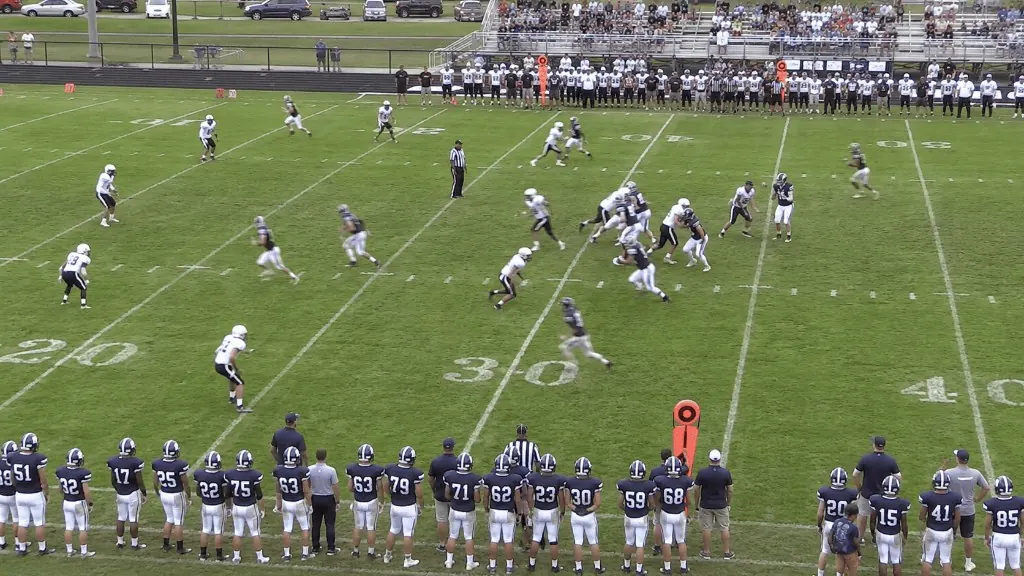 Cover 3 install6 clips · 6 questions
Ready for a look. I moved the second check to the snap.
Tasks
Every lesson has an owner
A brief, an owner, a due date
Each task has one person on it and a date it's due. They get an email the moment you assign it.
The Snack is on the task
The lesson they build is attached to the task, so you review it from the same place.
Approve or send it back
Submitted work waits for you. Approve it, or ask for changes with a comment.
The whole history
Comments and every status change stay on the task, so anyone can pick it up.
How it works
From brief to approved
- 01
Write the brief
Say what the lesson should cover, pick who builds it and set the due date.
- 02
They build it
Your assistant starts the task, builds the Snack and submits it.
- 03
You approve it
Approve it, or send it back with what to change. Then assign it like any lesson.
Frequently asked questions
Anyone on your staff: owners, admins, editors and contributors.
Get started
From the first practice to the final whistle
Start with one app and add the rest when you're ready. Free for up to 5 members. No credit card required.